From Agent to Application: Bringing UX into Microsoft 365 Copilot
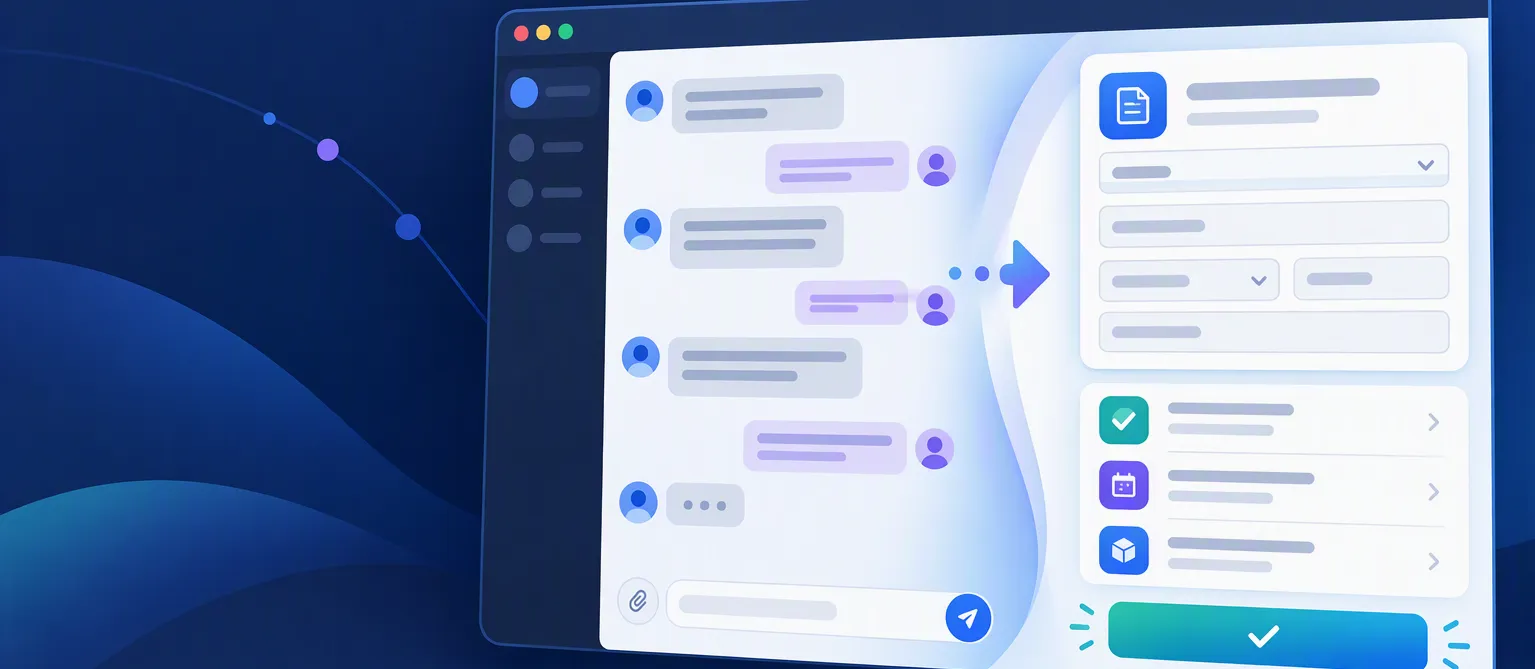
I want to move beyond agents that only answer questions. This series explores how conversation, tools, and interactive UI can work together to support a real business process in Microsoft 365 Copilot.
The goal is practical: start with one small experience, deploy it, connect business data, and build toward a complete process portal.
One scenario, eleven steps
Our running example is a process-request portal. A user creates a request, attaches documents, checks progress, and reviews an approval. We will reuse this scenario so each article adds a meaningful piece instead of starting from scratch.
Node.js and .NET are alternative backend tracks. You do not need both to follow the rest of the series.
Published articles
What I mean by UX controls
In this series, “UX controls” is a working term for interactive UI associated with an agent experience: forms, lists, cards, dashboards, and approval screens.
MCP tools and host-rendered UI are not the same thing. Each walkthrough will identify the actual host, supported UI mechanism, SDK versions, and availability before showing an integration. A React component alone does not establish Microsoft 365 Copilot compatibility.